Each role sells to the next one, and each needs its own view of the same catalog.
Who uses it
01Platform Provider
Runs the platform, brings in vendors and sets the price resellers pay.
02Reseller
Puts its brand on the platform, quotes companies and looks after their licenses.
03End Customer
Sees what the company owns, the quotes it received and its orders.
The same license at each level
Sells for€10.20Base price
Sells for€11.70Keeps €1.50
Pays€11.70Per seat, per month
The platform never shows one role another role's cost.
One catalog. A different price at every level.
Structure
The journey from the research, with a screen for every step. Each step hands its result to the next, so nothing is typed twice.
The reseller journey, mapped to screens
Find softwareProducts
Get priceProducts
Create quoteQuotes
Place orderOrders
Activate licenseLicenses
Navigation
The sidebar is grouped by what the reseller came to do: check what needs attention, sell, or manage who they sell to.
Overview
What needs attention, and how it is going.
Dashboard
Reports
Sell
From a need to an active license.
Products
Quotes
Orders
Licenses
Manage
Who you sell to, at what price, and from whom.
Companies
Price lists
Vendors
Three rules
Decisions that hold on every screen, whichever brand the platform is wearing.
01The margin is never hidden.
As soon as there is someone to sell to, every price shows the reseller's cost, that company's price and the margin between them.
02Always buying for someone.
The top bar always says who a purchase is for: your own company or one below you. The choice carries into a new quote.
03Every option shows its price.
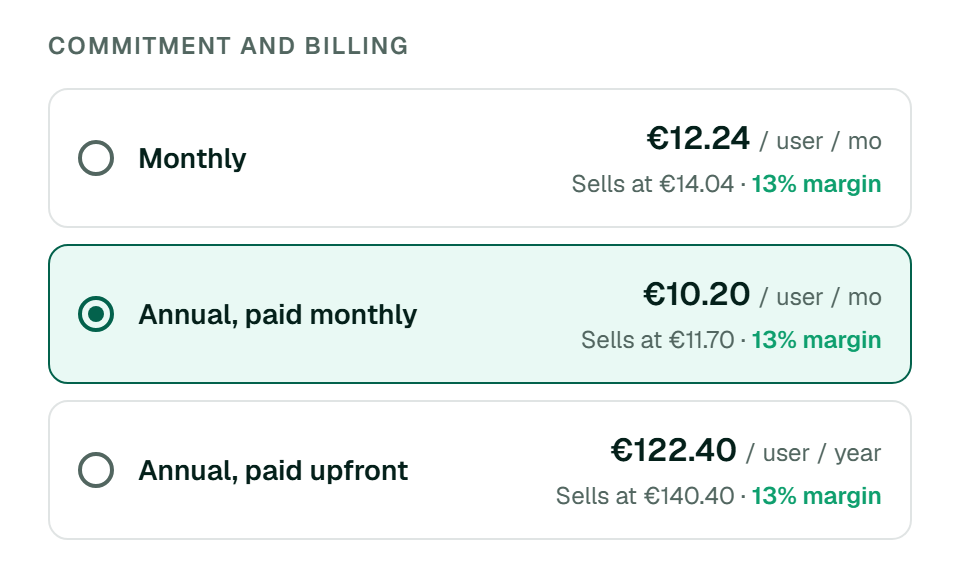
Each way to buy a product is listed with its own price, so the options are compared before one is chosen, not after.
Design System
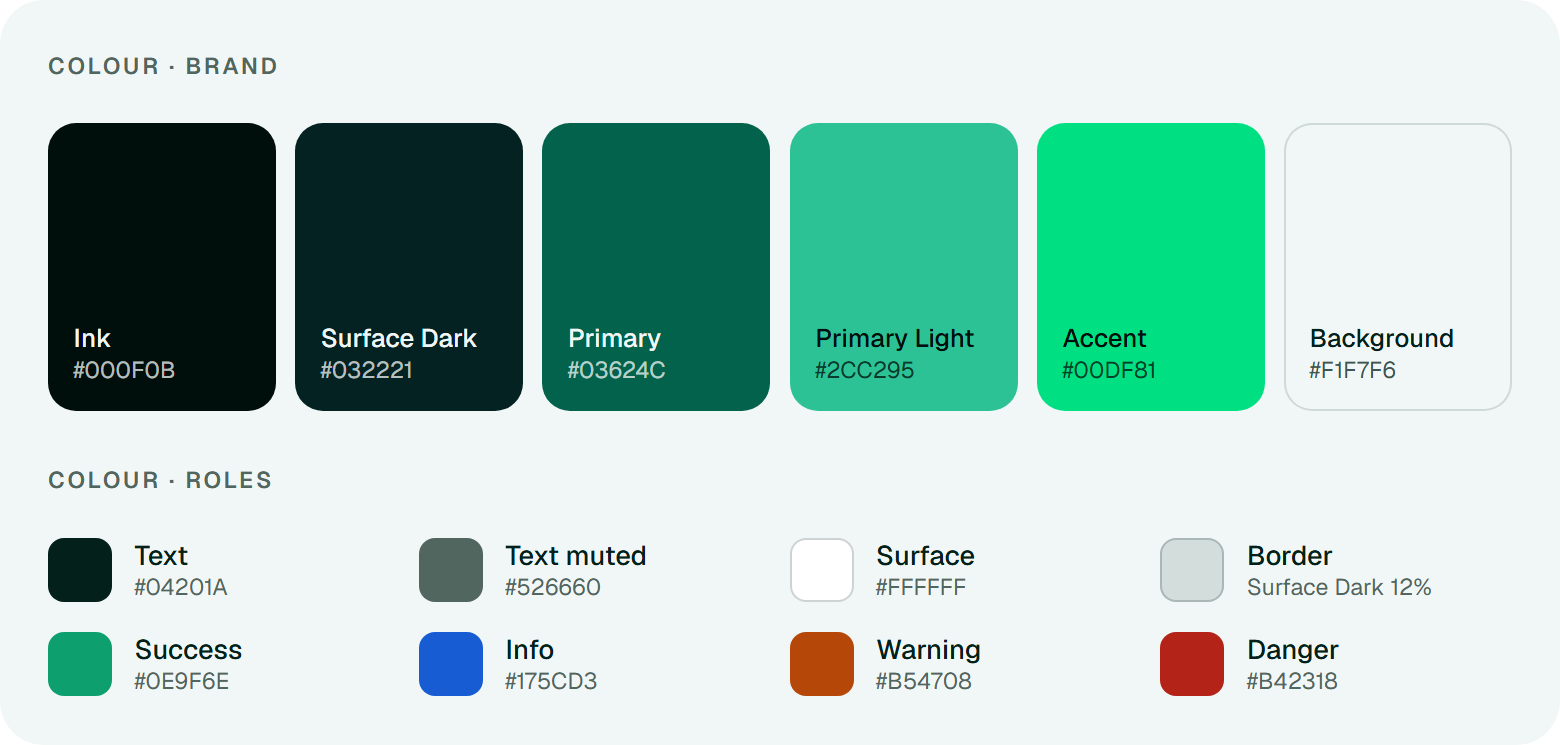
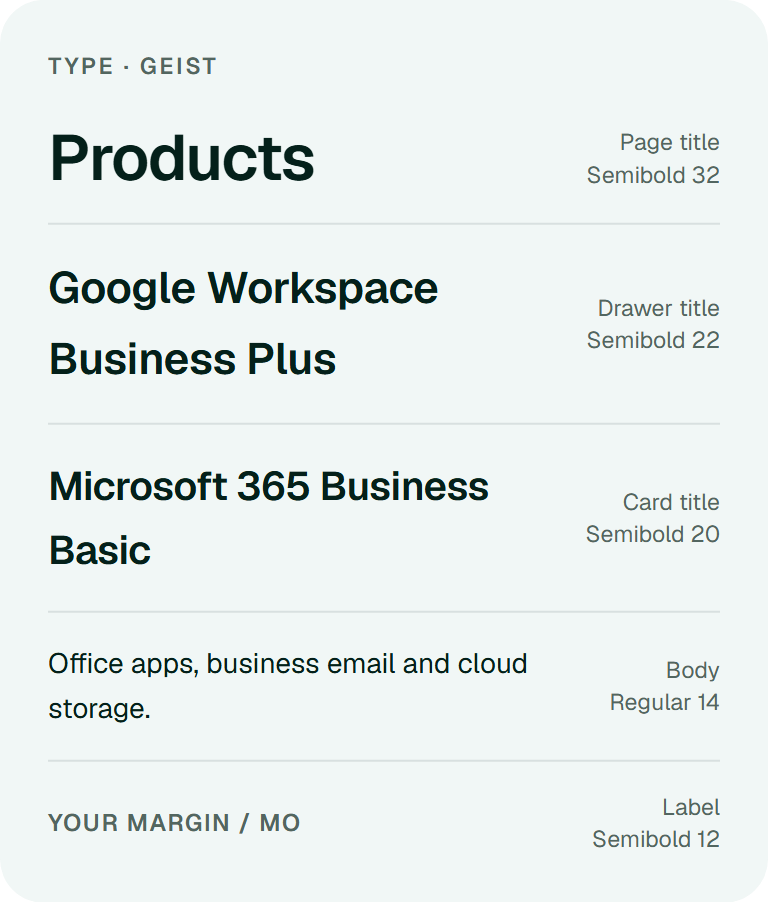
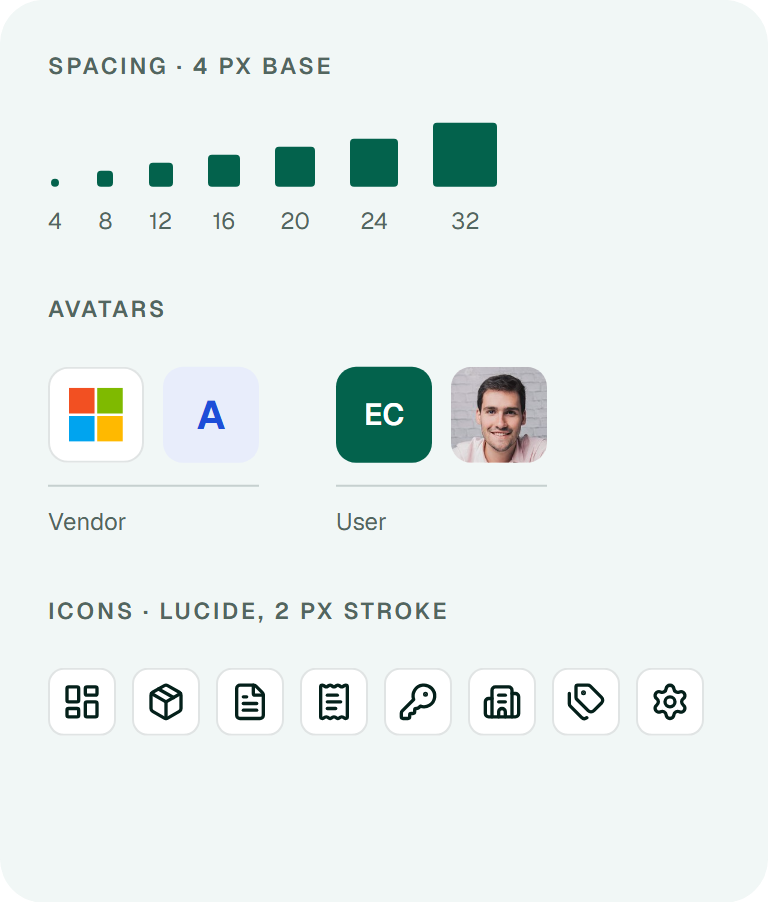
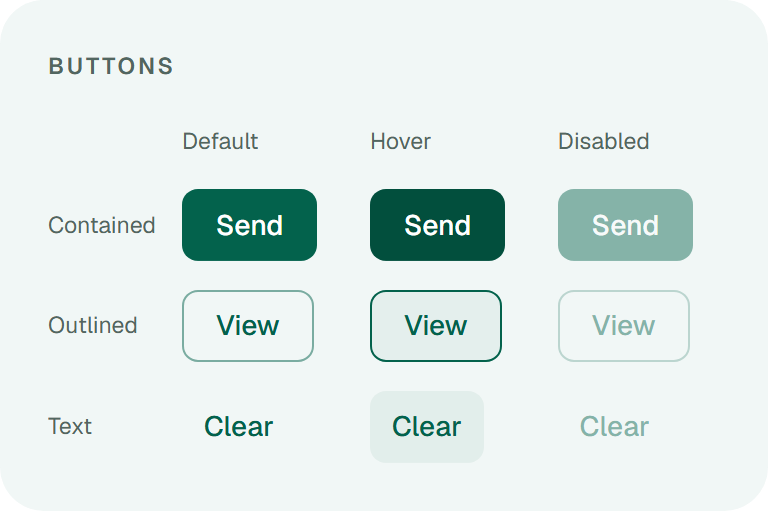
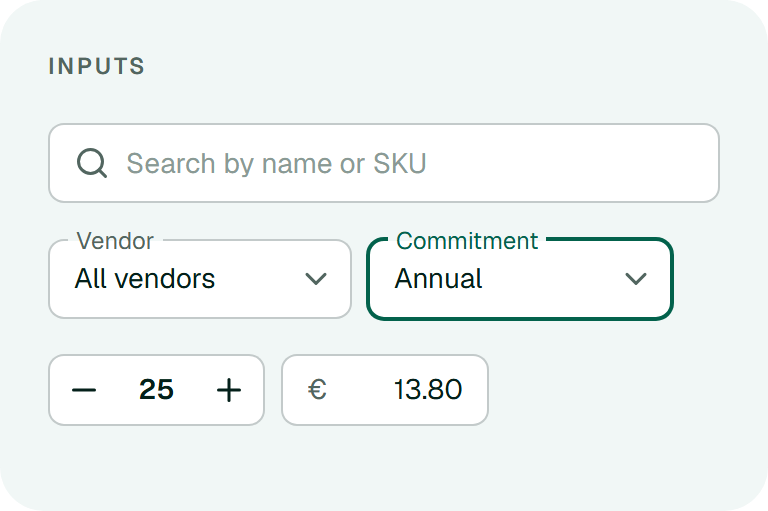
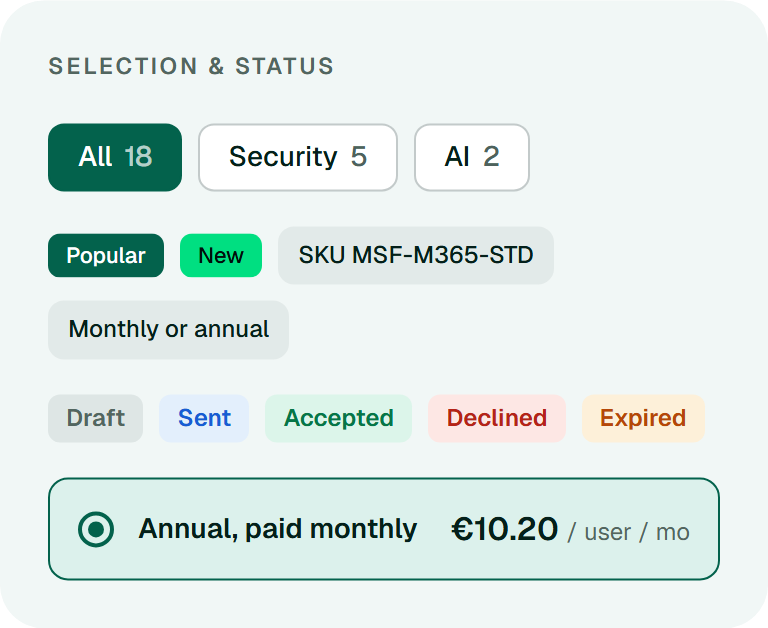
MUI was the starting point. Each component was then adapted to the platform: its colours, its density and the numbers it has to carry.
Foundations
Components
Layout
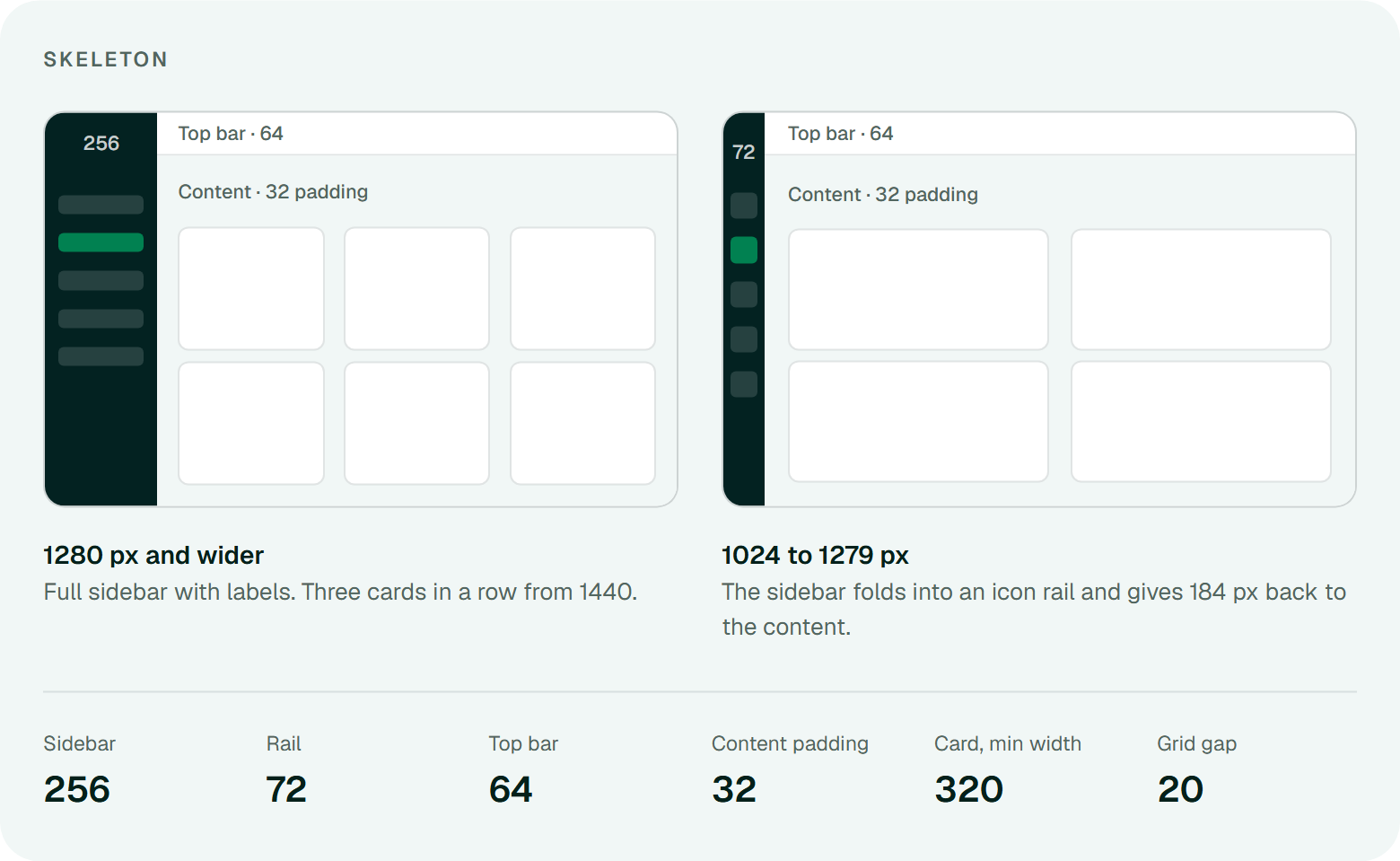
1440 wide
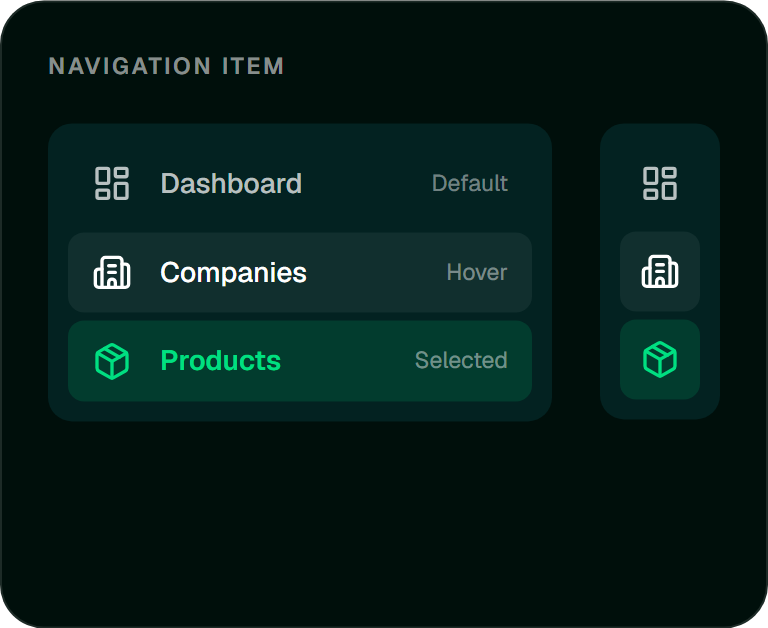
SidebarEvery destination is named.
1100 wide
RailIcons only, with the name in a tooltip. The button in the top bar switches between the two at any width.
Catalog
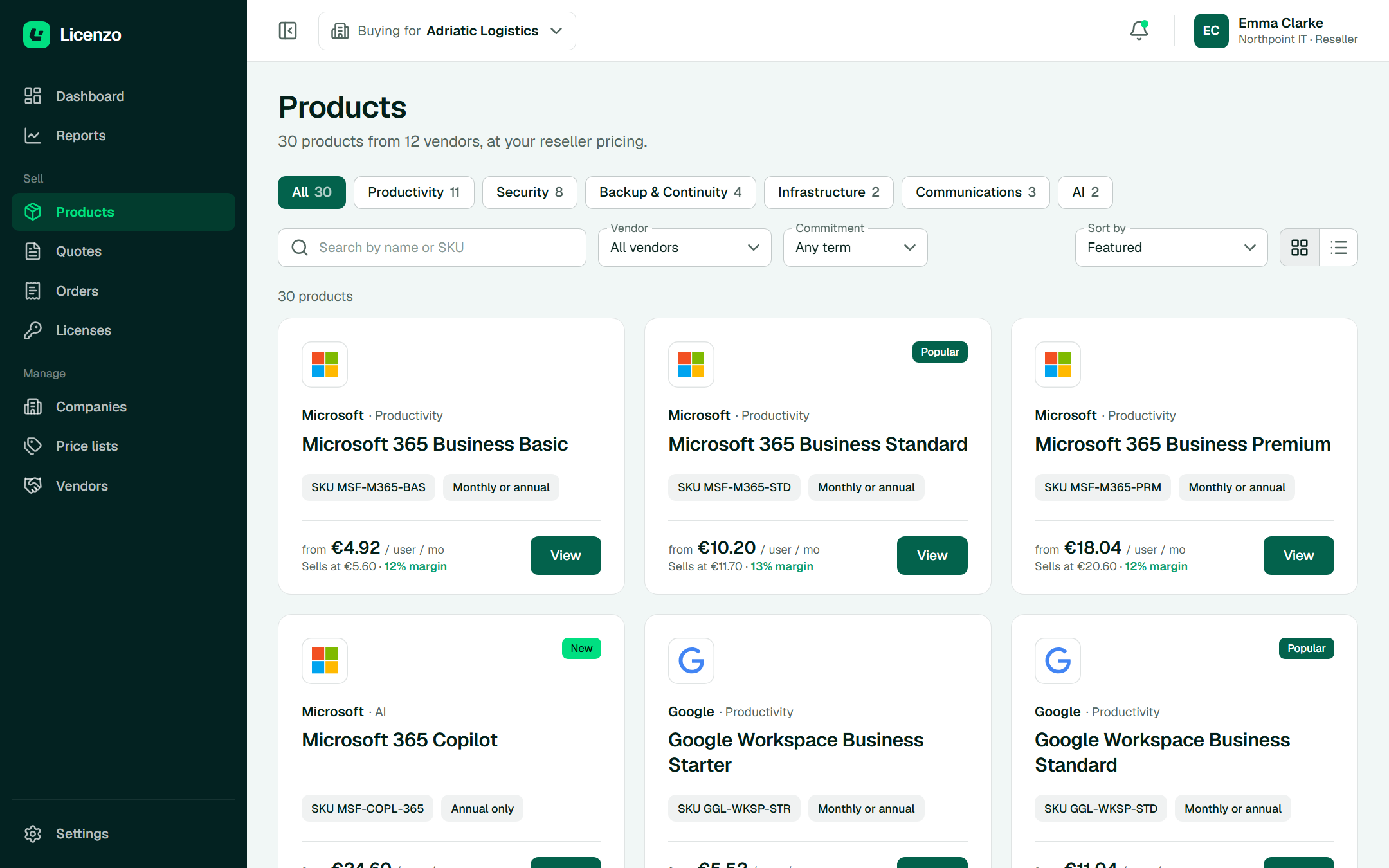
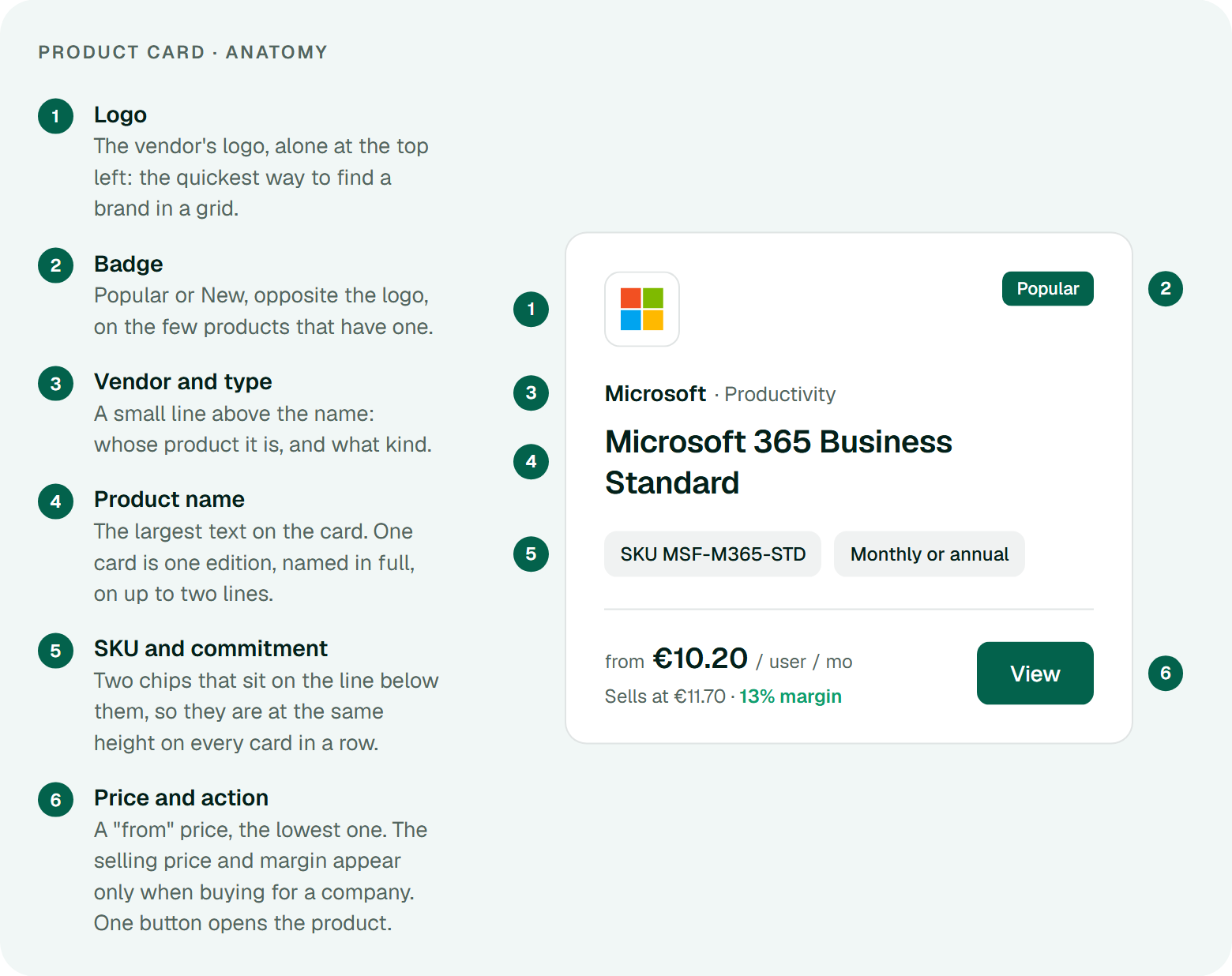
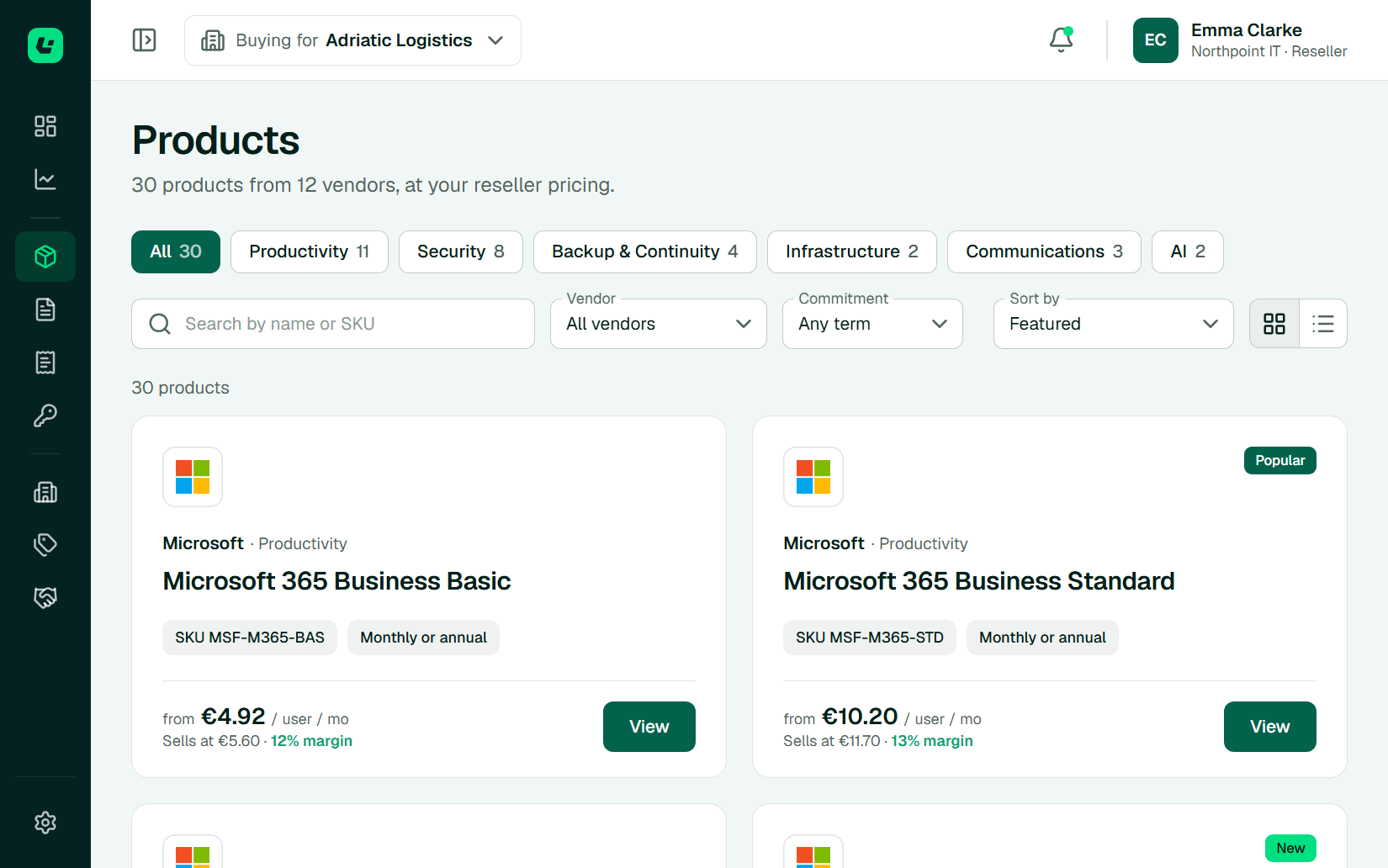
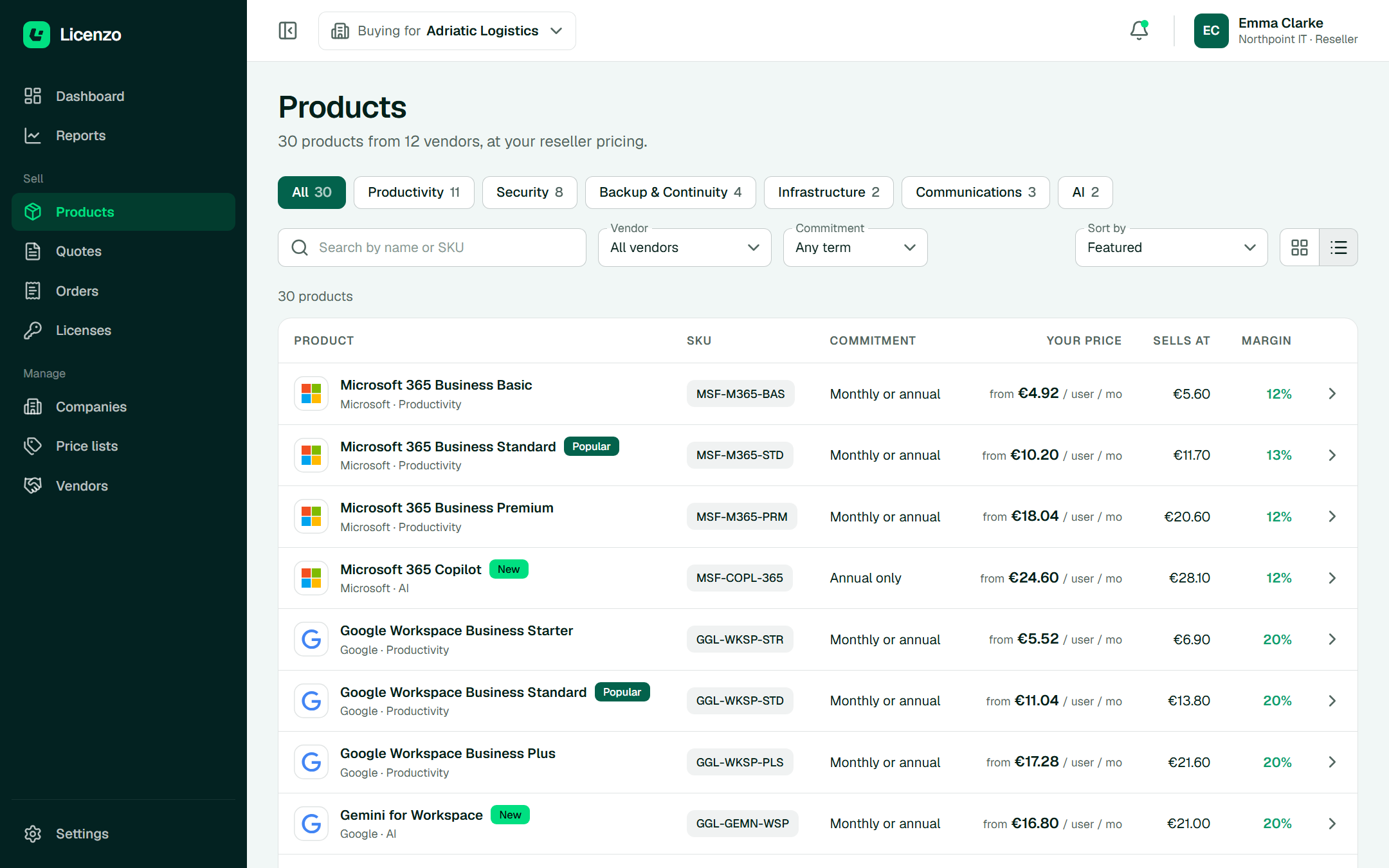
Categories, search and filters narrow the list. Every card answers the reseller's first question: what do I earn on this?
Products
Grid viewCategory chips show how many products match the current filters, so choosing one never leads to an empty page.
Products
List viewThe same products as rows, for comparing prices down a column.
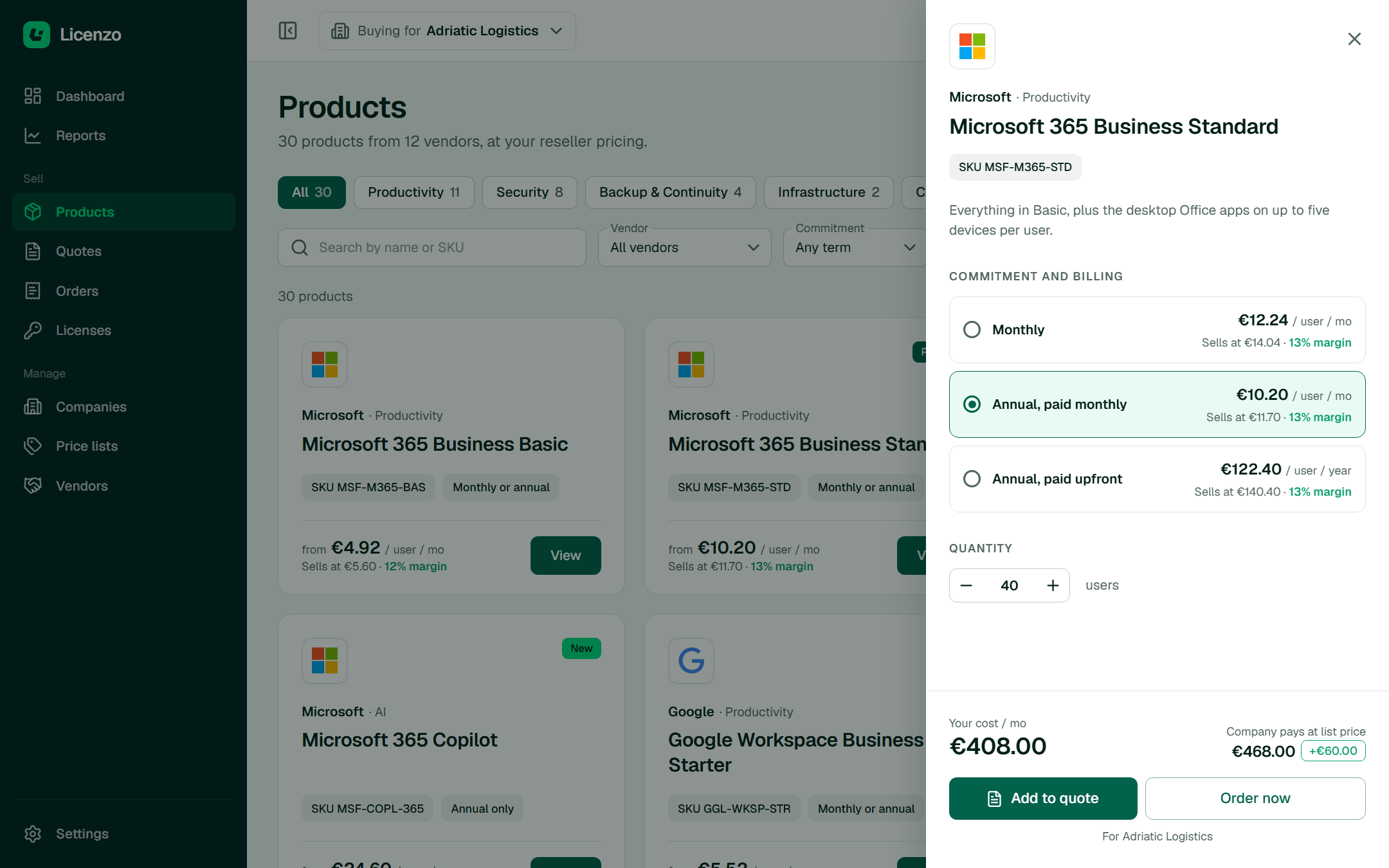
Products
Product drawerCommitment, billing and quantity are chosen without leaving the catalog.
Commitment and priceEvery way to buy the product is a row with its own price, so all of them are compared before one is chosen.
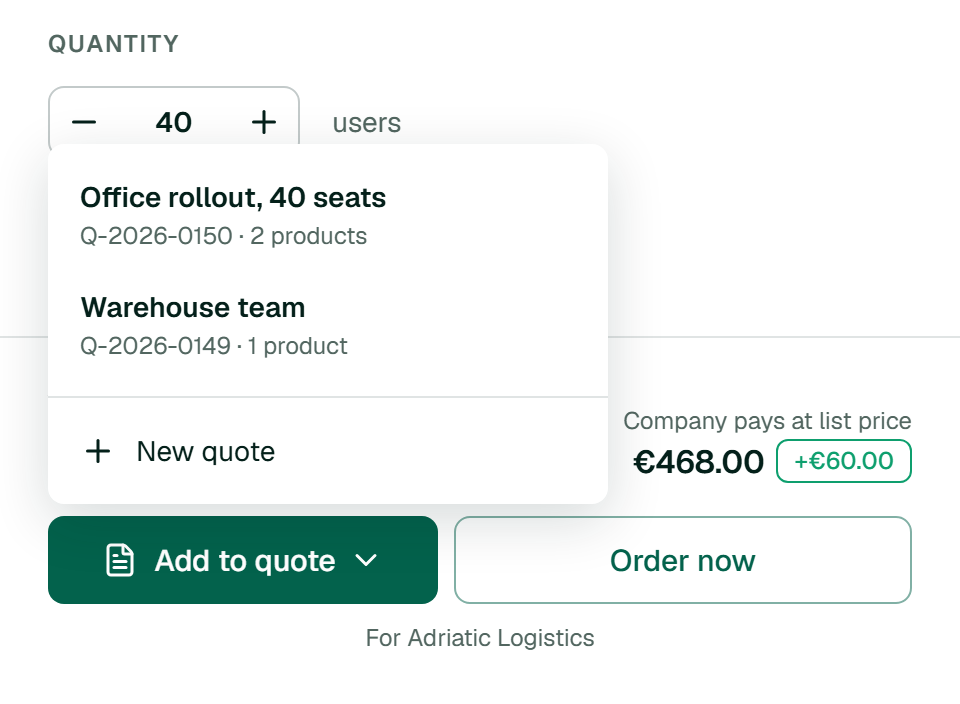
Add to quoteWhen the company has more than one open draft, the button opens a short menu: pick the quote the product goes into, or start a new one.
Quotes
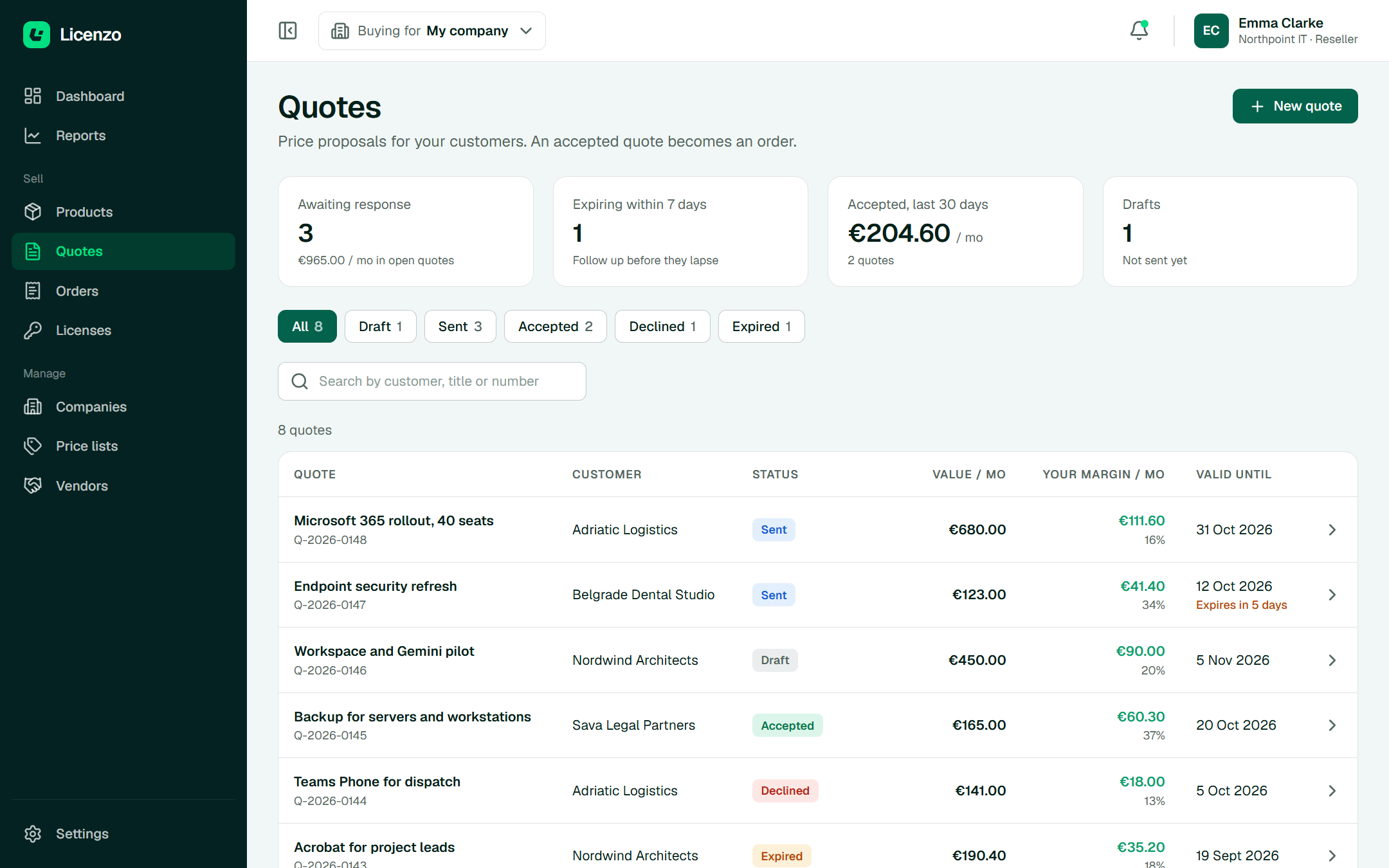
A quote is a price proposal for one customer. The list is built to show which ones need attention today.
Quotes
Quote listFour numbers on top, then every quote with its value, margin and the date it stops being valid.
Quotes
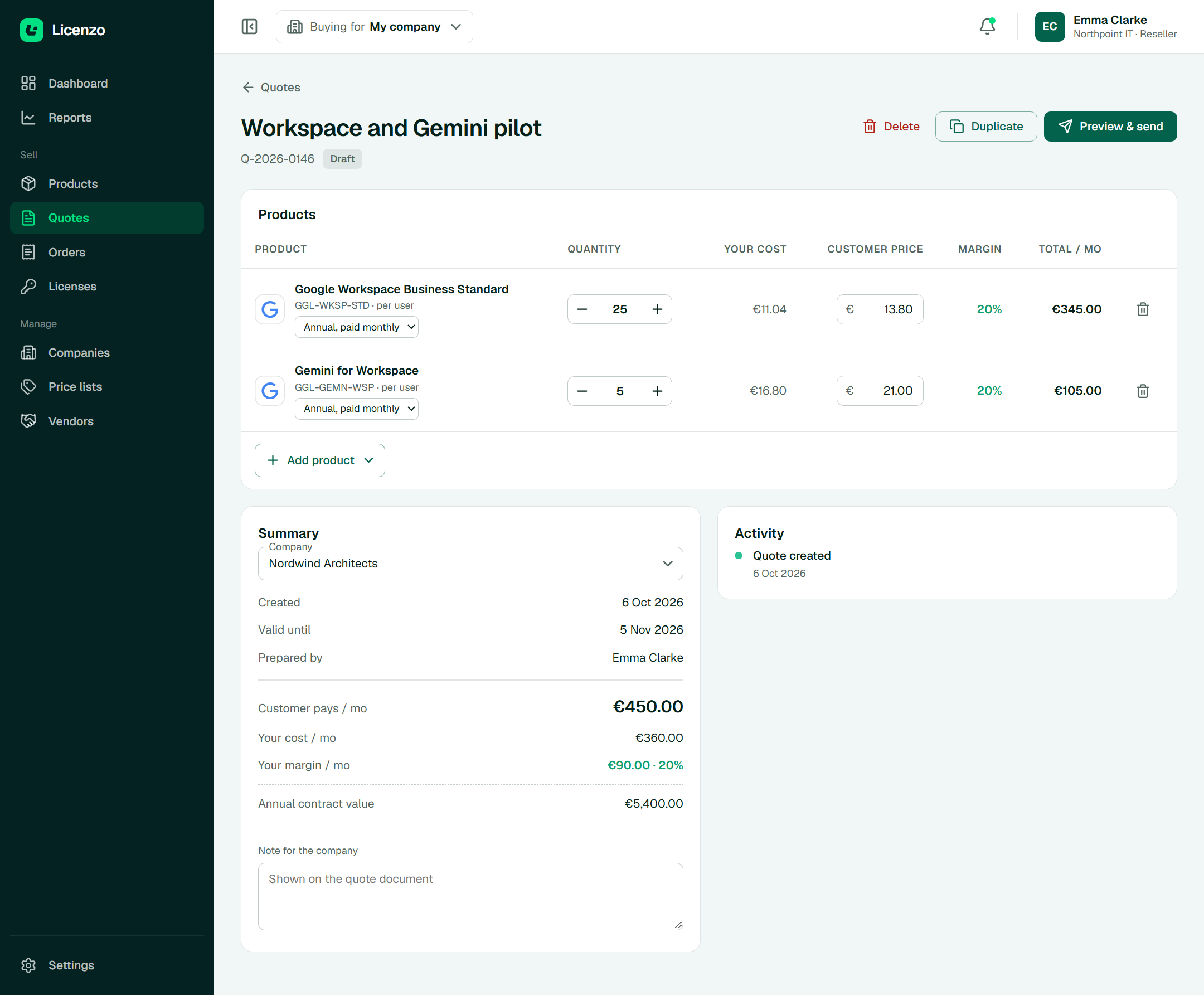
DraftQuantities and customer prices are edited in place; the margin recalculates as they change.
Quotes
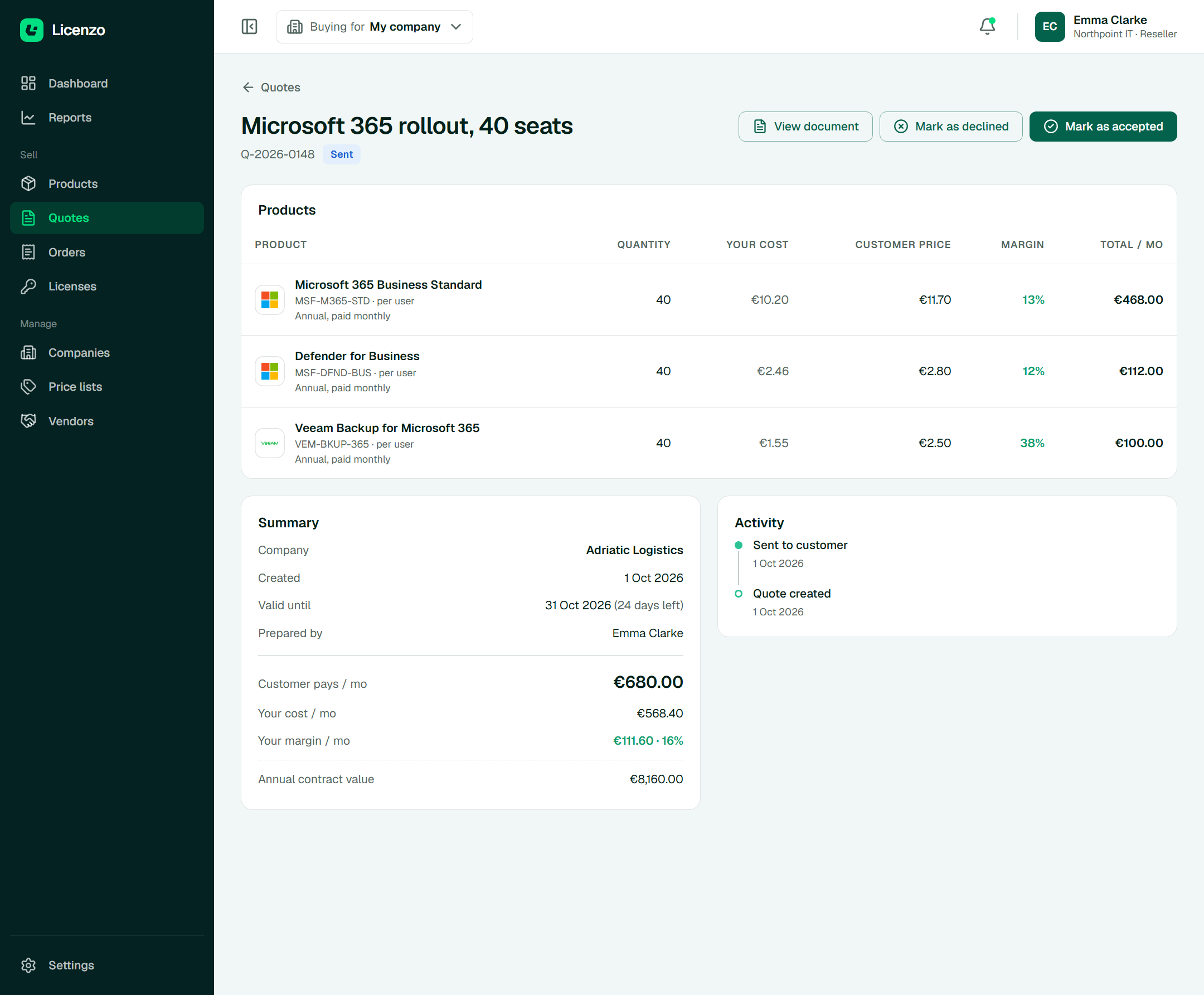
SentOnce sent, the quote locks. The actions change to what can happen next: accepted or declined.
White label
A reseller sets a name, a logo and one colour. The platform works out the other six colours and checks that text stays readable on them.
Settings · Branding
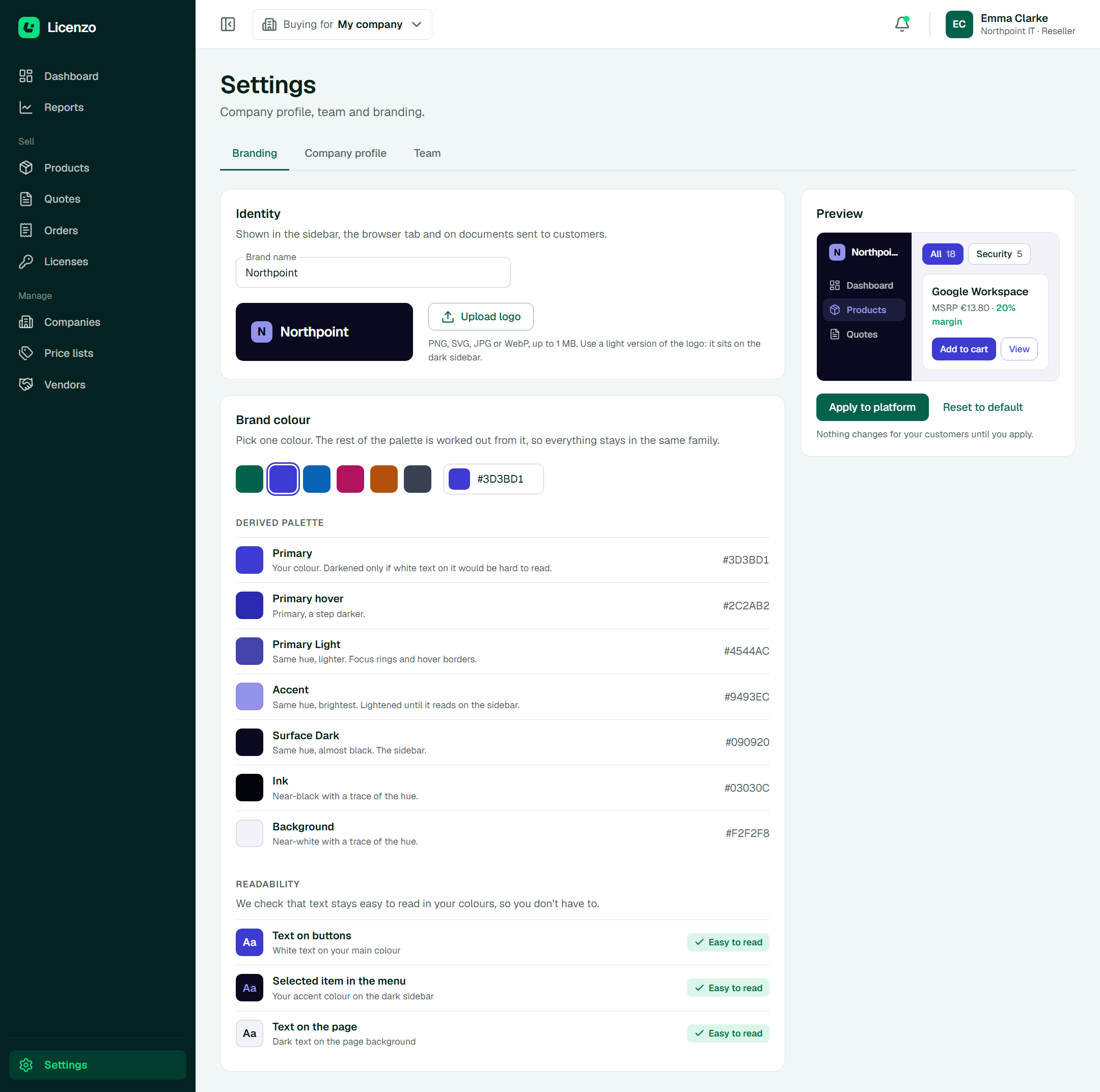
One colour in, seven tokens outThe draft is previewed on a small piece of the platform. Nothing changes for customers until it is applied.
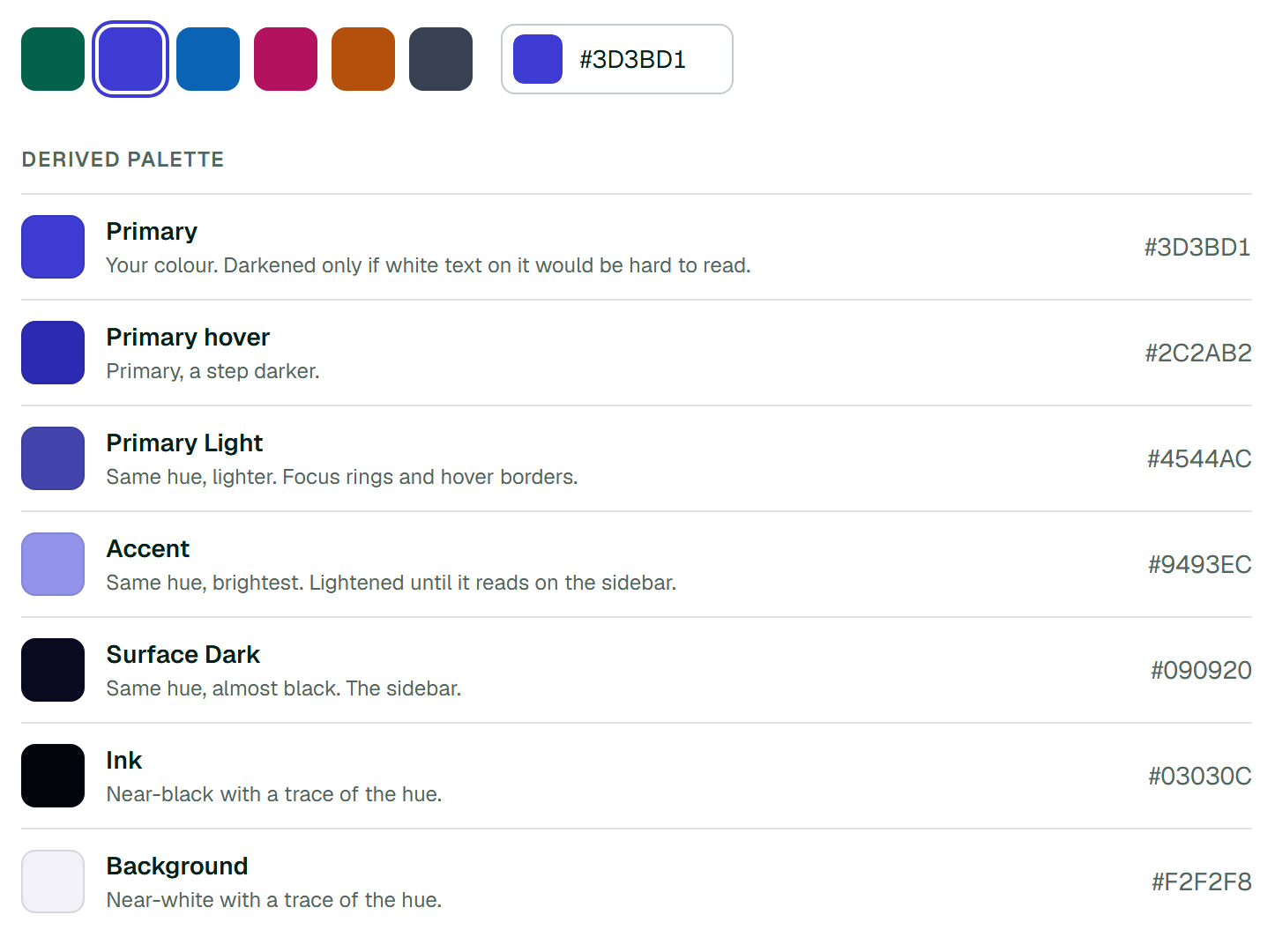
Derived paletteEvery token keeps the hue of the chosen colour. Only lightness and saturation change, and each row says why.
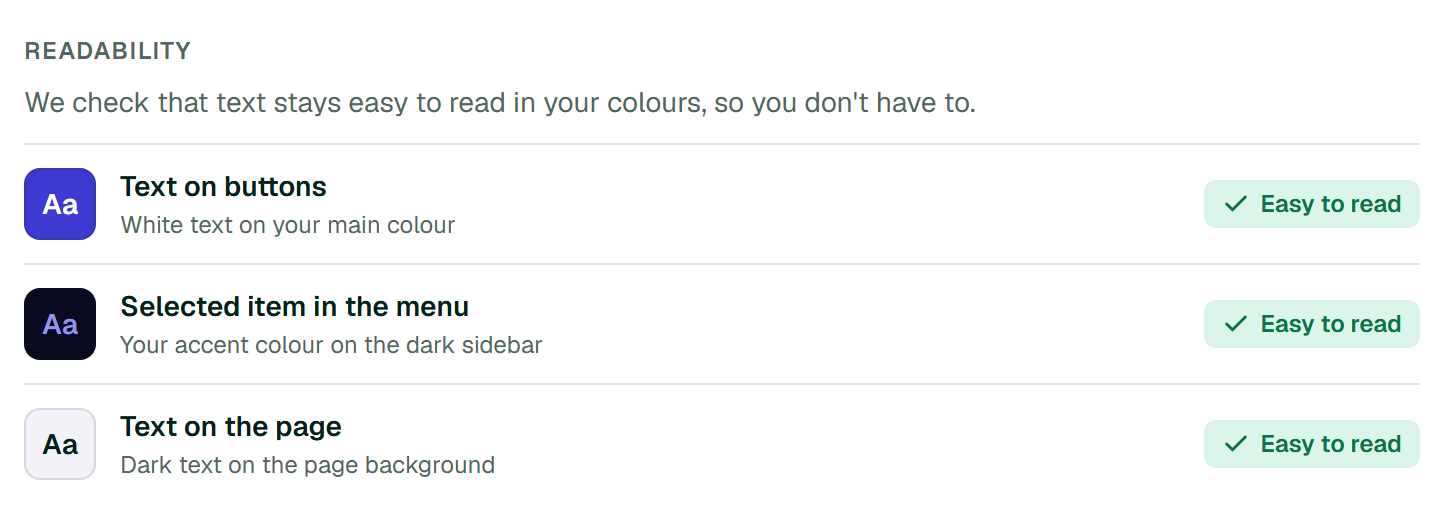
ReadabilityContrast is checked against WCAG AA, but shown in plain words: the real colour pairing and a verdict. A colour that is too light is darkened automatically.
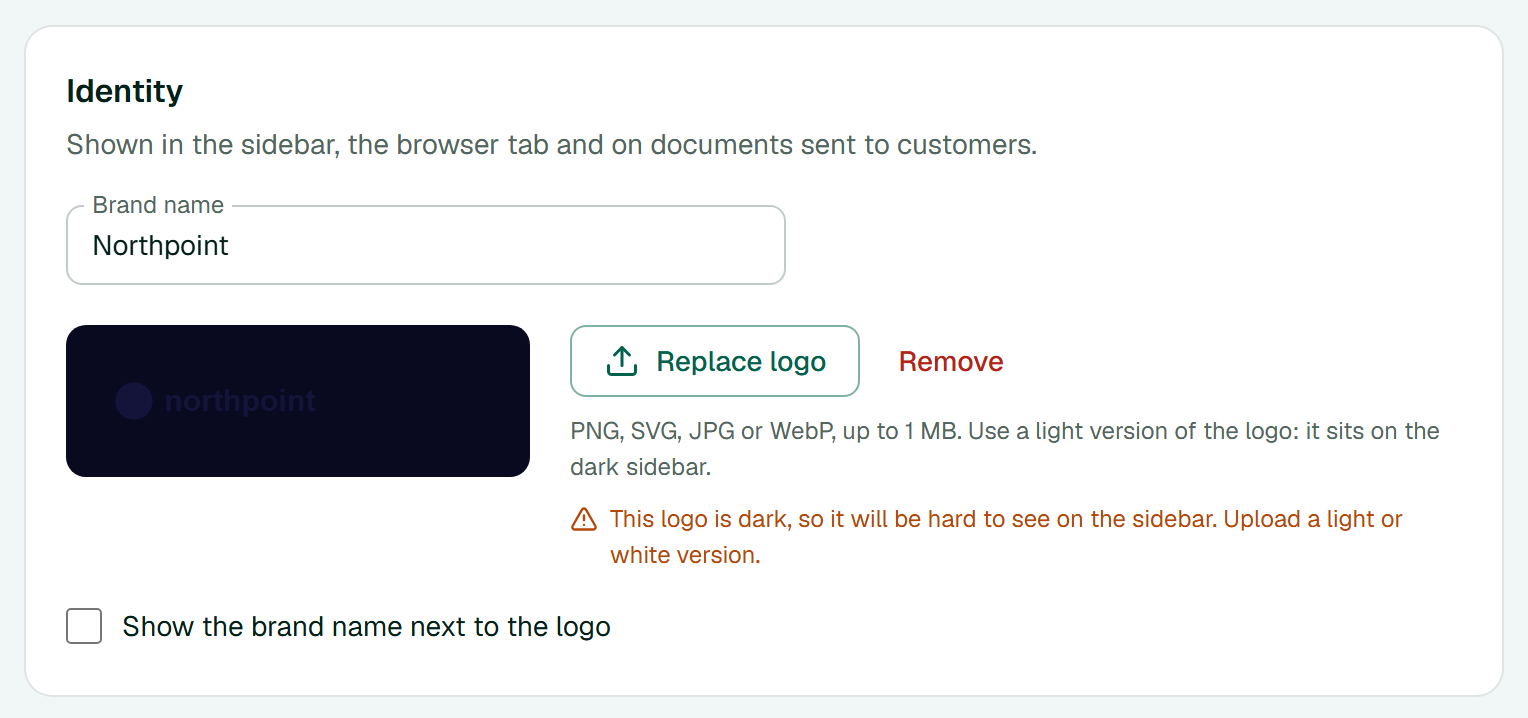
Logo checkThe one thing the platform cannot fix by itself. It reads the uploaded image and says so when a dark logo would disappear on the sidebar.
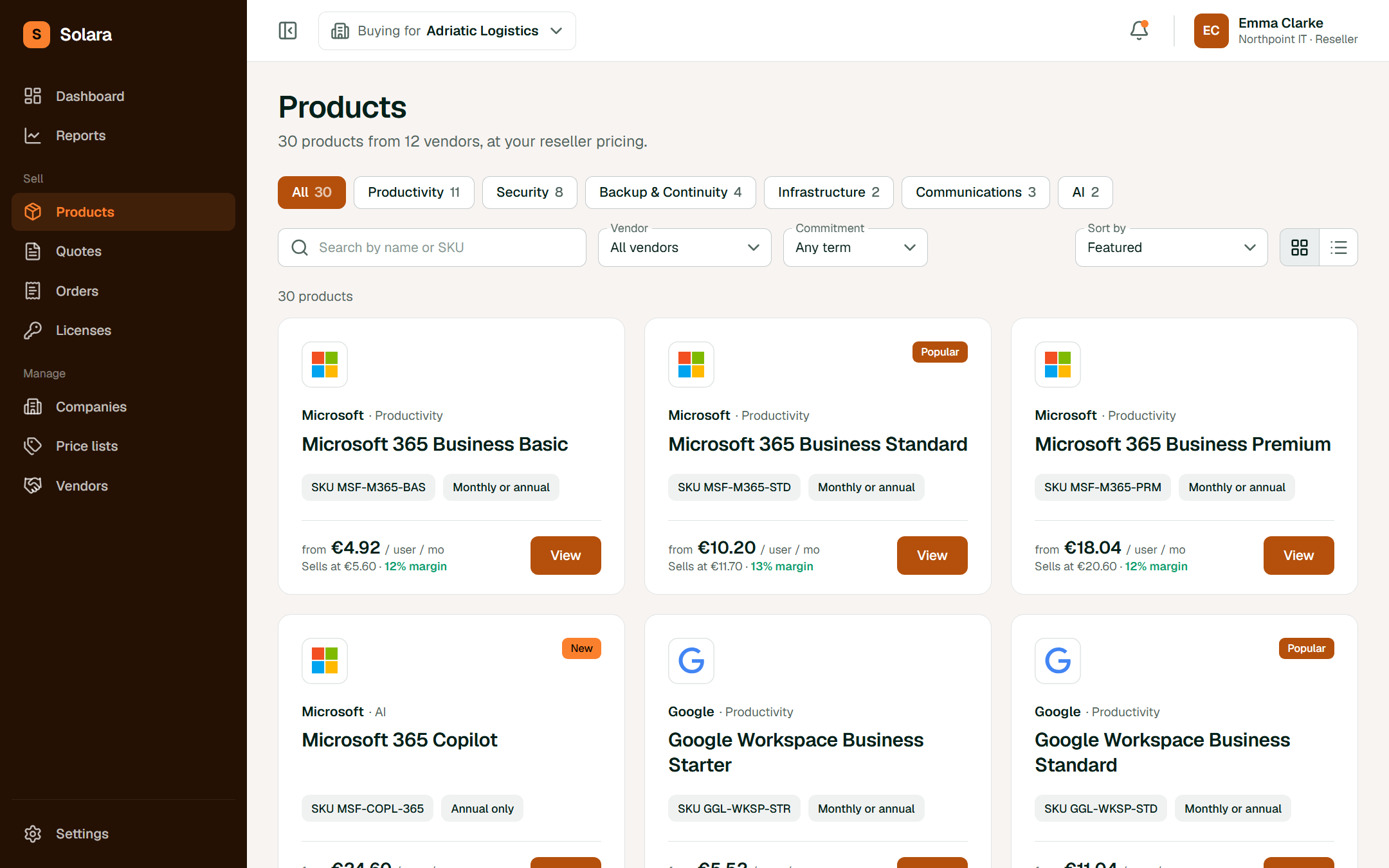
The same screen under three brands
LicenzoThe platform's own brand.
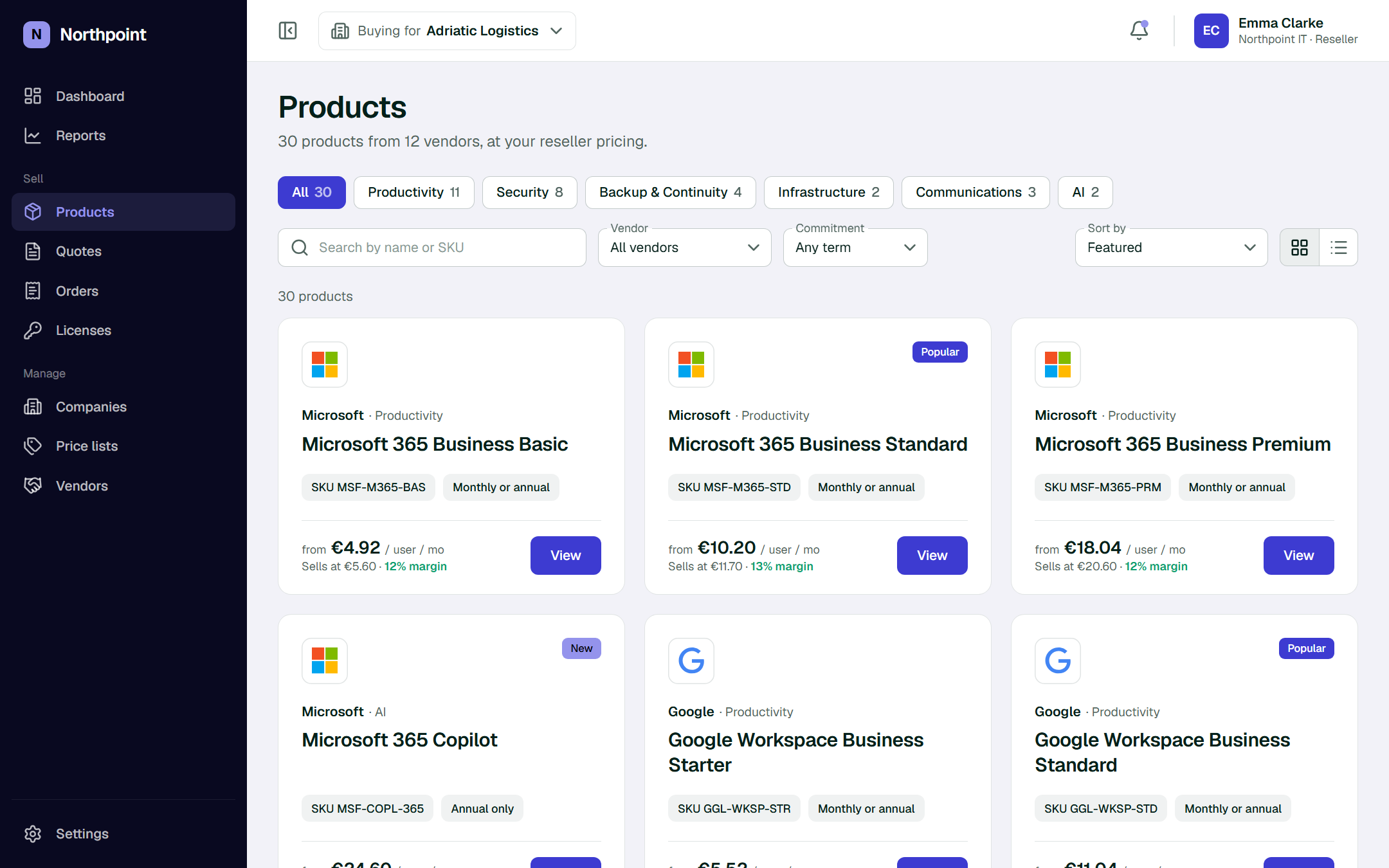
NorthpointAn example reseller. One colour: #3D3BD1.